Download an SLA Report From Any Public Status Page
A status page answers one question well: is it up right now? But SLA conversations don’t happen in a browser tab. A quarterly review with a client, a postmortem appendix, a compliance folder — they all want a document with a date on it.
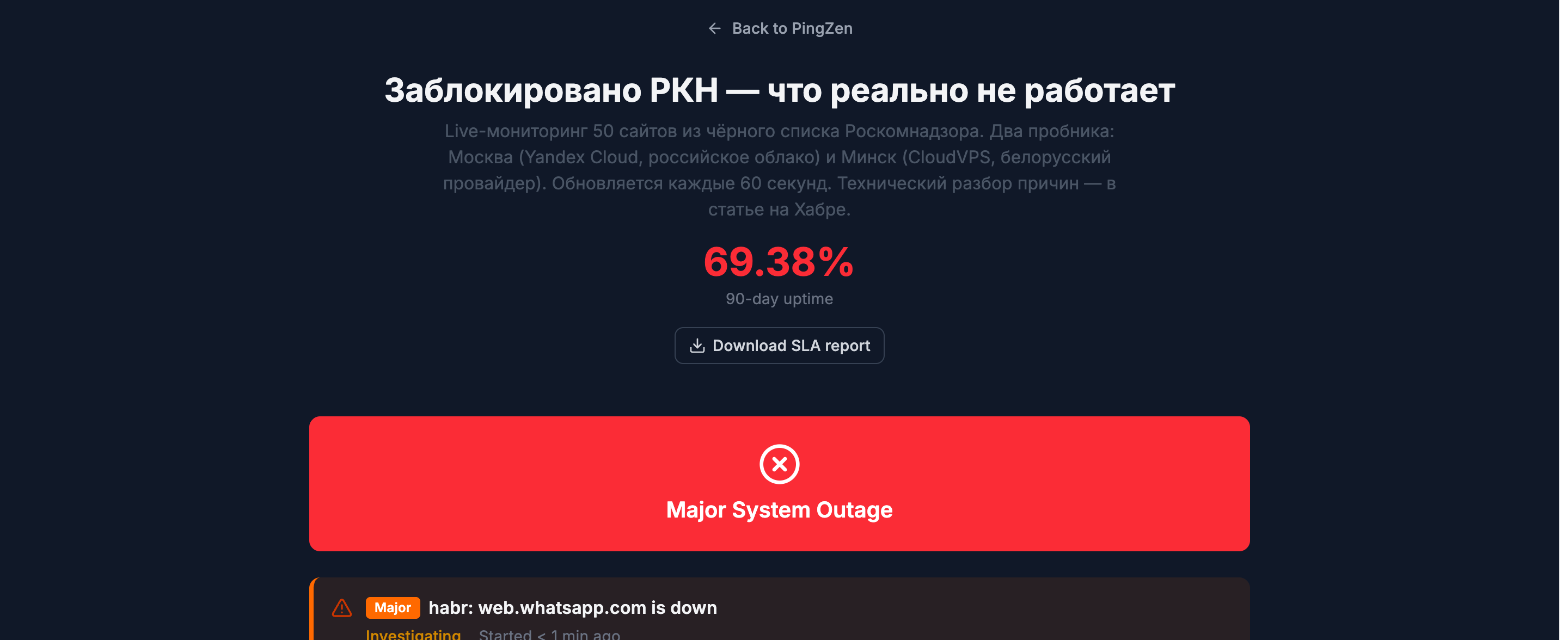
Every public PingZen status page now produces that document itself. There’s a Download SLA report button in the header, right under the overall uptime number. Anyone who can see the page can press it — no account, no login wall.
What’s in the report
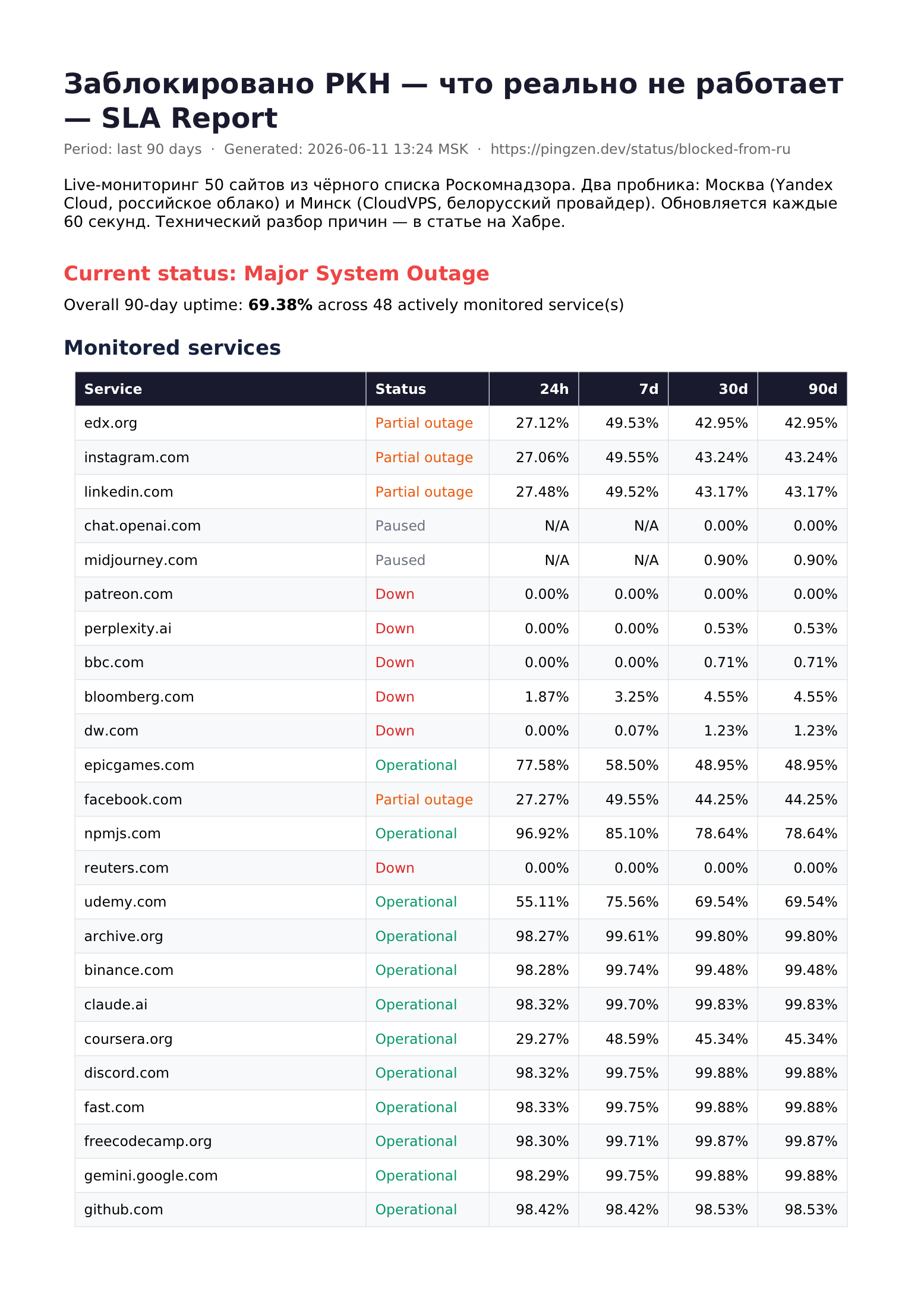
One click returns a PDF covering the last 90 days:
- Current status and overall 90-day uptime across actively monitored services
- Per-service uptime in the 24h / 7d / 30d / 90d windows
- A daily uptime strip for each service — the same green-to-red bars the page shows
- Incident history (the 50 most recent) with severity, status, and duration
- Scheduled maintenance windows, when there are any
Same numbers as the page — by construction
The report isn’t a parallel reporting pipeline that drifts out of sync. It’s rendered from the exact data snapshot the public page displays, so the PDF and the page can’t disagree:
- Timestamps follow the page’s display timezone setting.
- Paused services are labelled
Paused, showN/Afor windows without data, and are excluded from the overall average — a service you stopped checking months ago can’t drag the headline number around. - Partial (regional) outages earn half uptime credit — the same rule the SLA math applies everywhere else in PingZen.
- Scope is strictly what the page already makes public. Monitor IDs, internal error messages, and latency internals never reach the PDF.
Page titles, service names, and incident notes render correctly in any script — Cyrillic, accented Latin, mixed content — the PDF embeds a Unicode font instead of hoping for ASCII.
Automation-friendly
The button is a plain public endpoint underneath, so a cron job or a CI step can archive a report every month:
curl -o sla-$(date +%Y-%m).pdf \
  https://pingzen.dev/api/v1/public/status/your-slug/report.pdf
Nothing to configure
If you have a public status page, the button is already there. See it live on our demo page — Blocked by RKN: what actually works — or read the details in the status pages documentation.